
Generating and Revoking API Keys
To generate an API Key:
Go to Grants page.
Click the grant whose sub-contractor you want to generate a key for.
Navigate to the sub-contracts page and open the specific sub-grant contract.
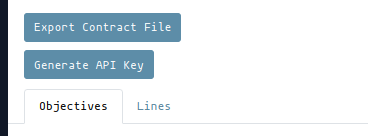
In the sub-grant contract page, click ‘Generate API Key’. If an API Key had already been generated for the sub-grant contract, this button will not be visible.
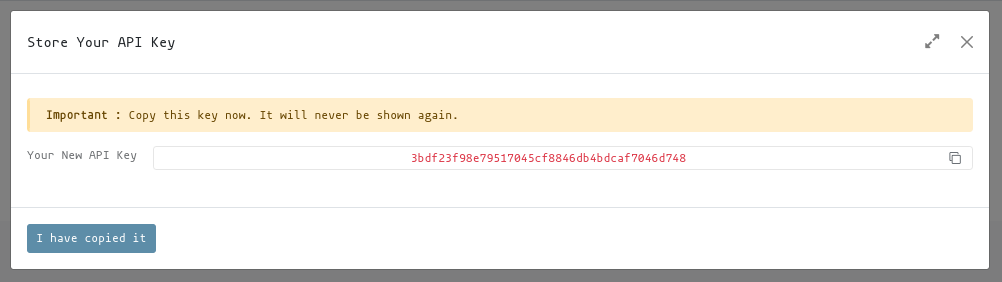
The API Key will be generated in the background and on success you will be notified in the UI. The generated API Key will be displayed in a modal window. Copy the API Key and store it securely, as it will not be displayed again.
Share this API Key to your sub-contractor for use with the Grant Tenant Communication module to perform both scheduled donor reporting and budget lines submission.
To revoke an API Key:
Go to Grants page.
Click the grant whose sub-contractor you want to generate a key for.
Navigate to the sub-contracts page and open the specific sub-grant contract.
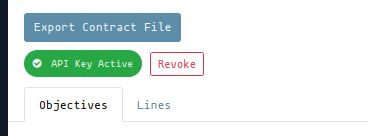
In the sub-grant contract page, click ‘Revoke API Key’. If an API Key had not been generated for the sub-grant contract, this button will not be visible.